BlogReviews
Send quotes and manage customers with Teamleader CRM
, updated on 17 November 2024
One click, and Google will show my articles more often in your results.
If you are a sales professional hungry for promotions, you will already know that the goal is to close as many contracts as possible. But what if you are selling a non-tangible product such as your company’s software? This is the reason for a sales team to use Teamleader CRM.
It is a customer relationship management tool that helps teams do more business through communication, collaboration and relationships.
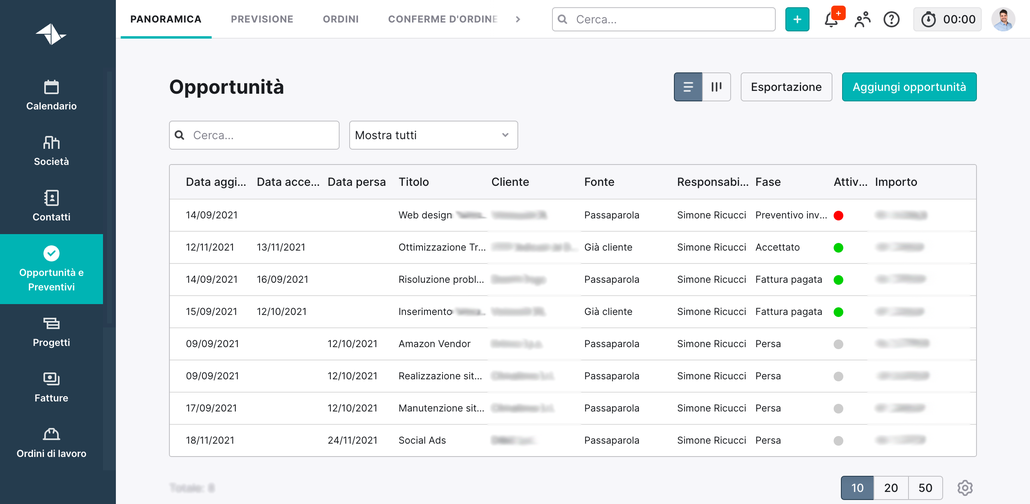
Benefits and use of Teamleader
When sales spends so much time on CRM, it is not surprising that sales representatives are looking for one that can simplify their work. Teamleader CRM is built to make selling easier, more efficient and more fun, thanks to its flexibility and simple interface. Following are some ways in which Teamleader can help your salespeople close more deals.
First of all, Teamleader CRM is fully customisable. Sales teams can change sidebar preferences, choose their own home page, drag and drop their favourite applications wherever they want and more. This makes the application more functional, regardless of the environment and workflow.
Teamleader also offers a unique inbox where salespeople can manage all their sales data in one place, along with tasks and conversations, so that sales reps can work with it at their leisure.
This CRM also integrates with other applications used in your company and it is easy to synchronise data between them with applications such as Zapier.
Teamleader also makes it easy to get sales data from several applications in one place. Finally, the Timeline feature allows salespeople to easily keep track of goals and targets. Sellers can also use the Timeline feature to create their individual sales plans.
With so many free tools available to help sellers to sell more, it can be difficult to decide which one to choose. But if your salespeople are looking for a CRM that simplifies their work, Teamleader can help them close more deals.
To try Teamleader CRM for yourself and see if it’s suitable for your sales team, sign up for a free trial today.
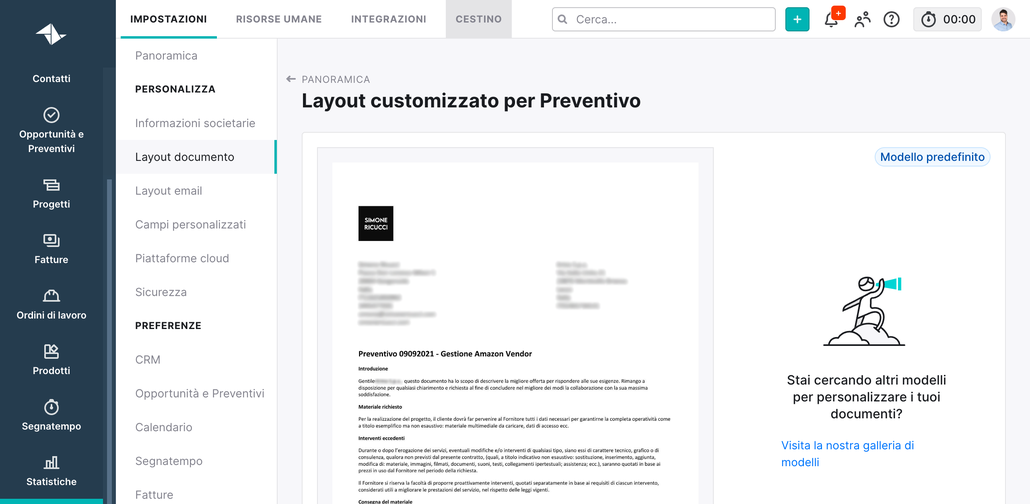
How to use Teamleader
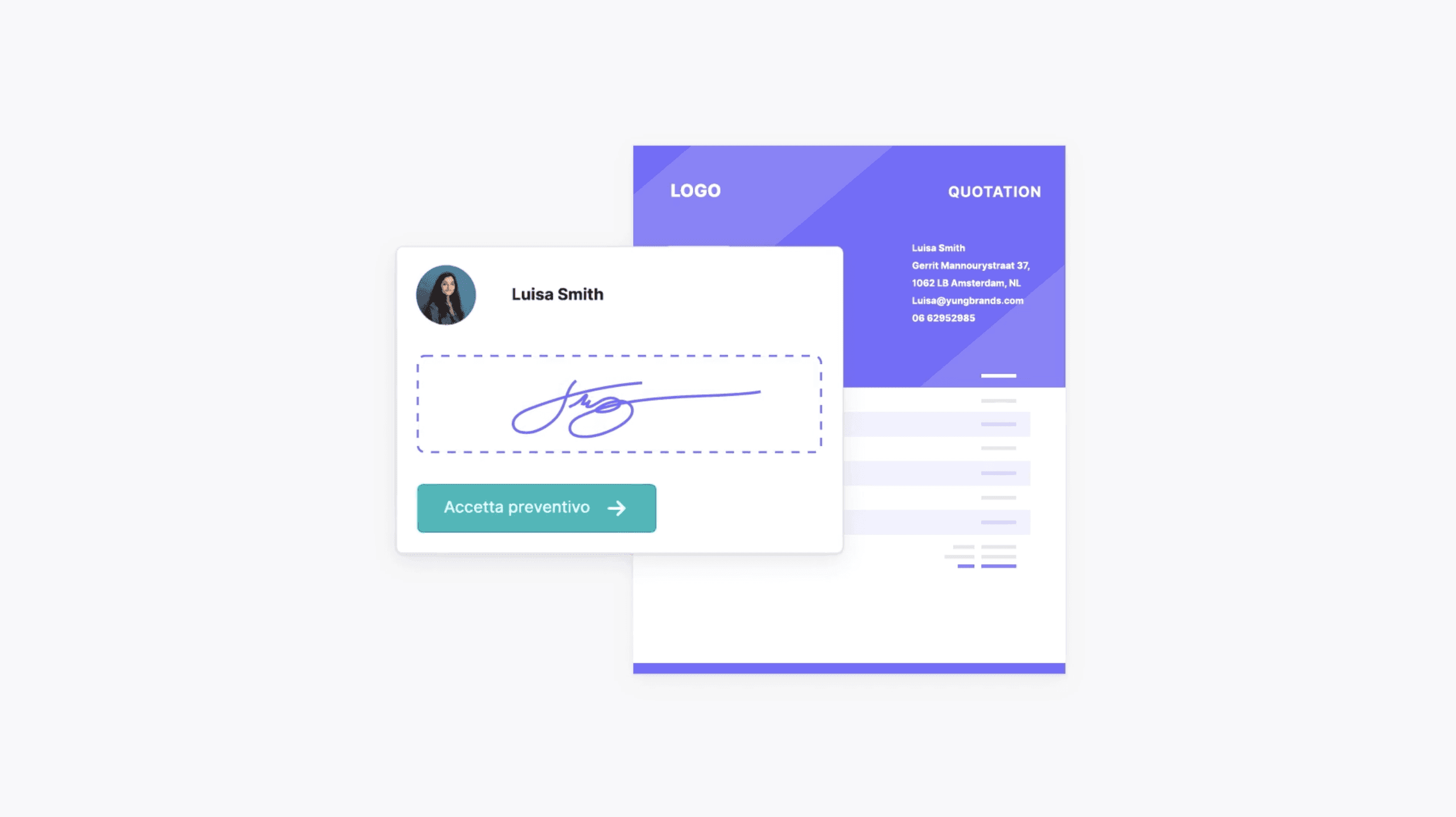
Getting into the closing process can be a difficult step for any seller. But that’s where Teamleader CRM comes in. With just a few taps, users can send personalized proposals and acceptance emails to their customers. And if the closing phase gets a little more hectic, they can also retrieve their notes, calendar events, calls and other files to prepare for the meeting.
Above all, Teamleader’s CRM solution helps salespeople relax a little more easily when closing a deal.“The biggest benefit is probably the peace of mind,” says Chad McCall, sales and marketing expert.“Teamleader CRM allows you to close deals knowing that your team can refer to the notes, e-mails, calendar events and files you’ve shared.”
Teamleader’s CRM solution is equipped with a reporting dashboard to visualise sales activity, such as the number of sales and closed deals, the average deal size and the number of deals in progress. It also has features such as integrated chat and activity feeds so that users can collaborate with each other.
In addition, integration with Salesforce allows you to track sales deals, opportunities and leads.“Teamleader doesn’t just close deals on its own, it helps you along the way,” said Henry Brown, sales expert.“This CRM solution allows you to keep your team organized and on track, which leads to better results.”