BlogCheck AccountReviews
Qonto: my full review on Business checking account
, updated on 16 November 2024

One click, and Google will show my articles more often in your results.
Table of Contents
What is Qonto?
Qonto is a Business checking account born in France in 2017, by Alex and Steve, the two founders. In previous years, in fact, having founded a startup in another sector, they had come up against the bureaucracy of banks and the inadequacy of banking tools made available to entrepreneurs. As of today, accounts can be opened for companies with registered offices in France, Italy, Spain, Austria, Belgium, Portugal, the Netherlands and Germany.
Qonto’s mission
The two founders then realized that there was a market problem shared with other entrepreneurs and freelancers. Over the past few years we have seen that out of problems come opportunities, and the two then decided to pursue a mission: Reinventing banking for business, simplifying the daily financial and accounting routines of SMEs and professionals. A good challenge that is paying off for their efforts.
How to register for Qonto
To register for Qonto is simple, and I will guide you step by step.
Sign up by clicking on the following link, and you will receive a welcome bonus directly to your Qonto bank account.
To get the bonus you need to open the new account via the invitation link. If you were to open it directly from the Qonto site, without going through the invitation link, it will not be possible to credit you with the bonus.
Open Qonto and receive a welcome bonus directly to your new checking account
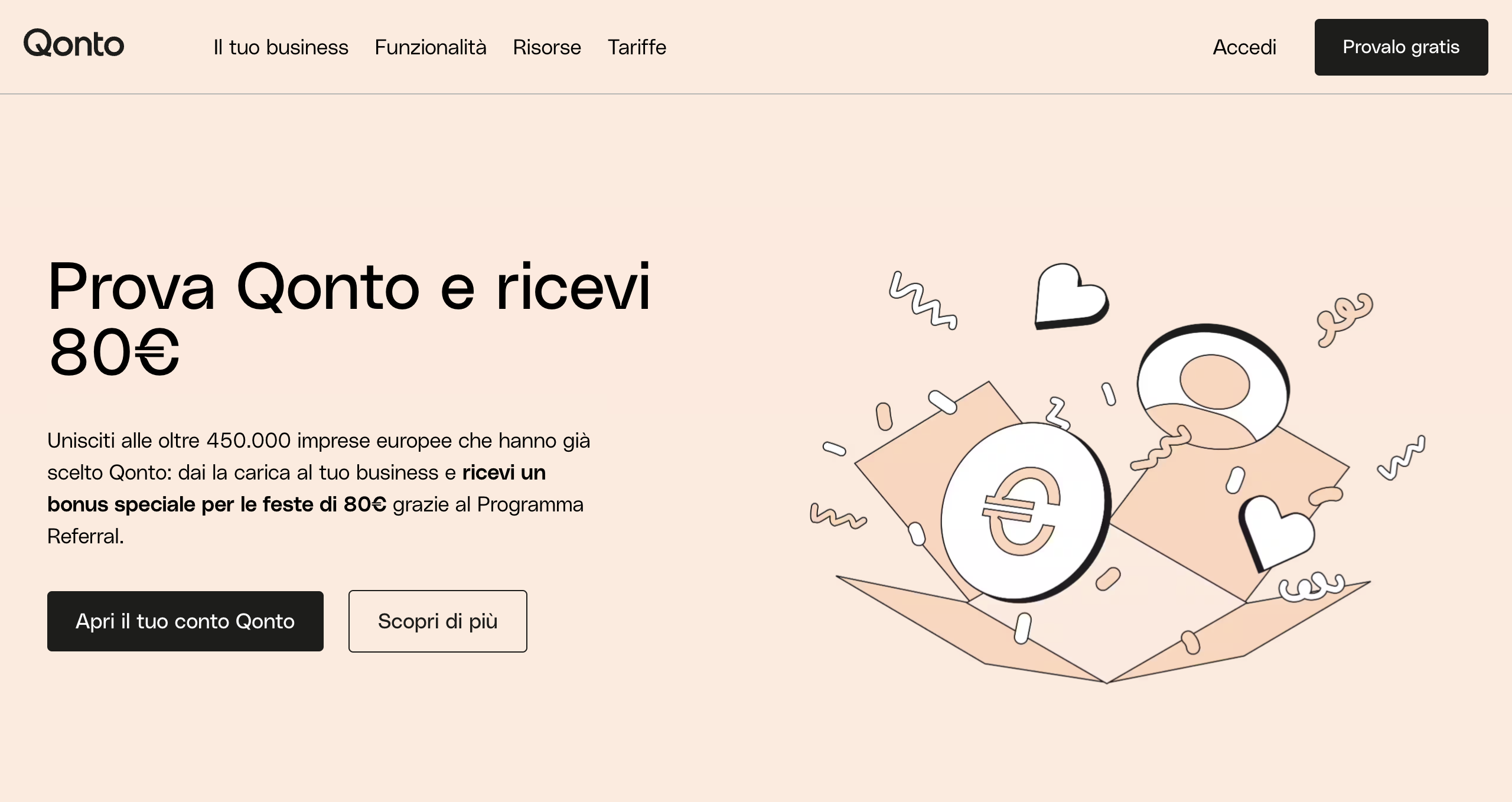
First you will come to this page, after which you will click on the top button “Try it for Free.”
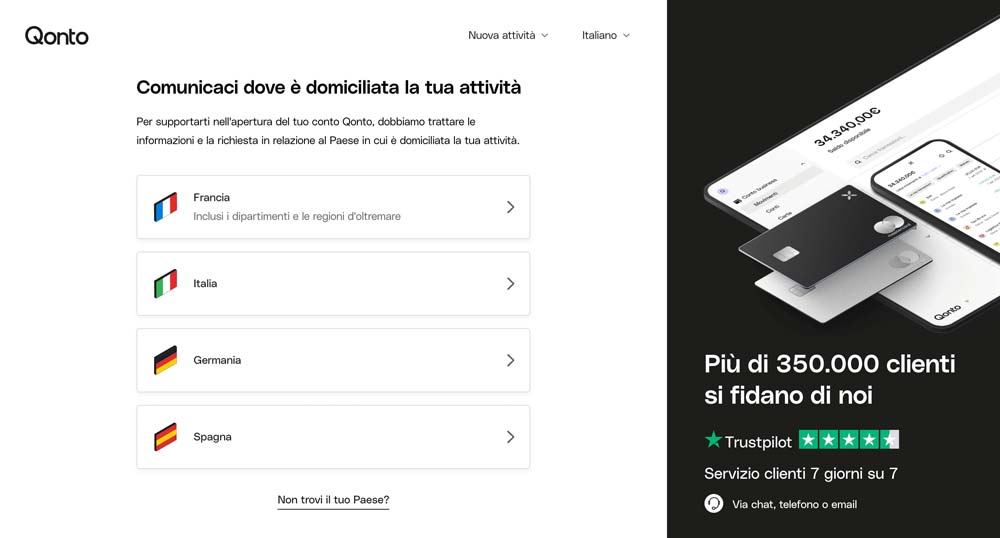
 Once clicked, you will be taken to a page where you can select the country in which your business is domiciled.
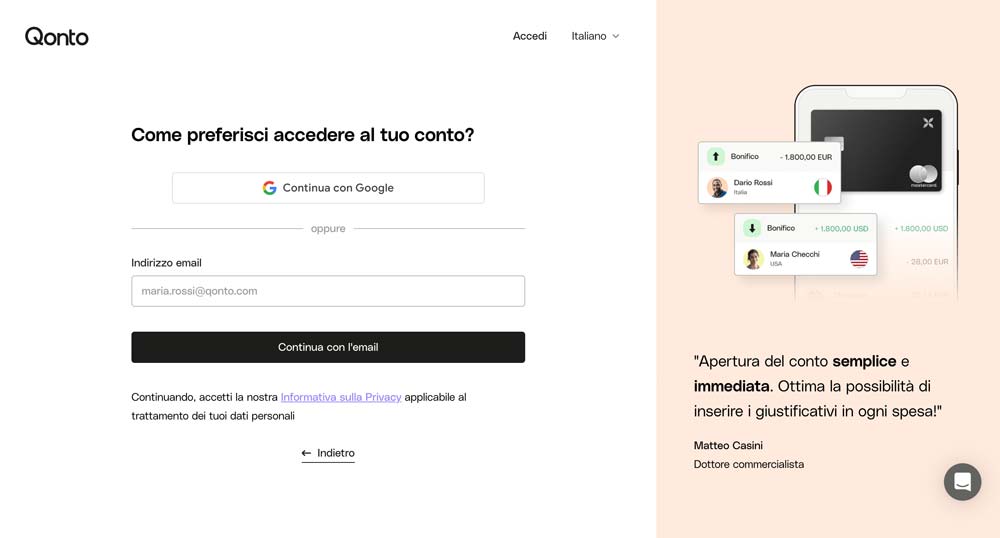
At this point in the next step you will be asked to indicate whether and how many employees your business has. Finally, enter an email address to continue your registration.
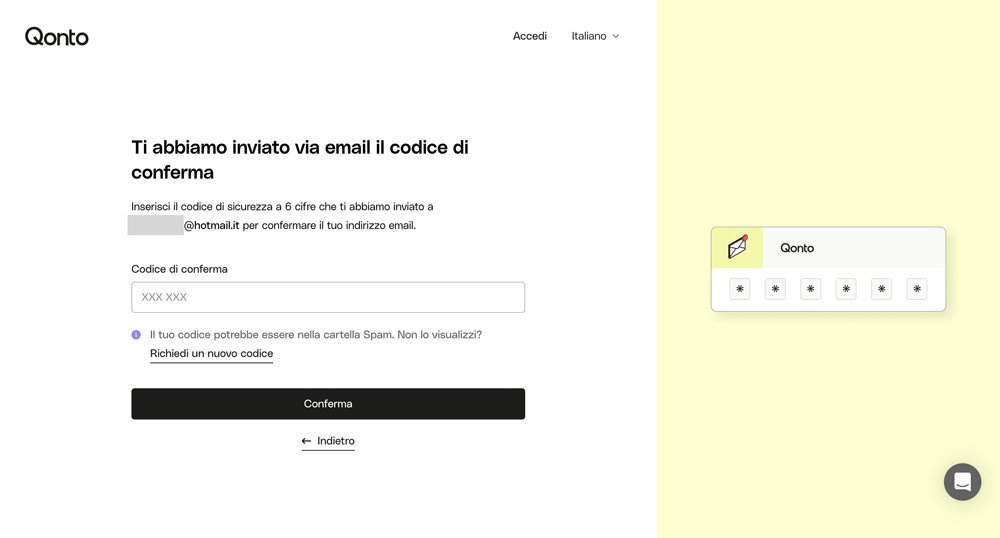
Once you enter the email, you will be sent a confirmation code on the email, which you must enter in the registration form.
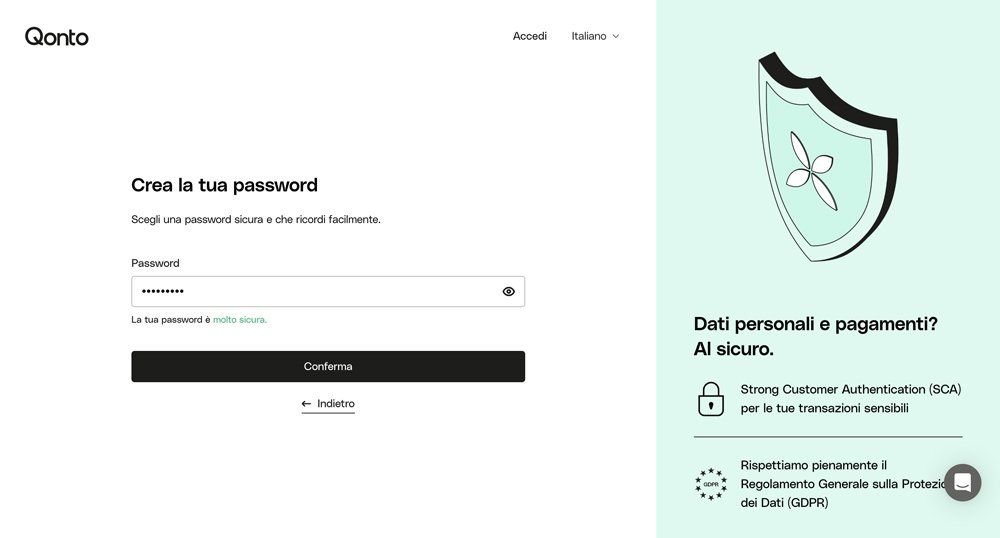
After this step you can finally enter a password with which to access your account.
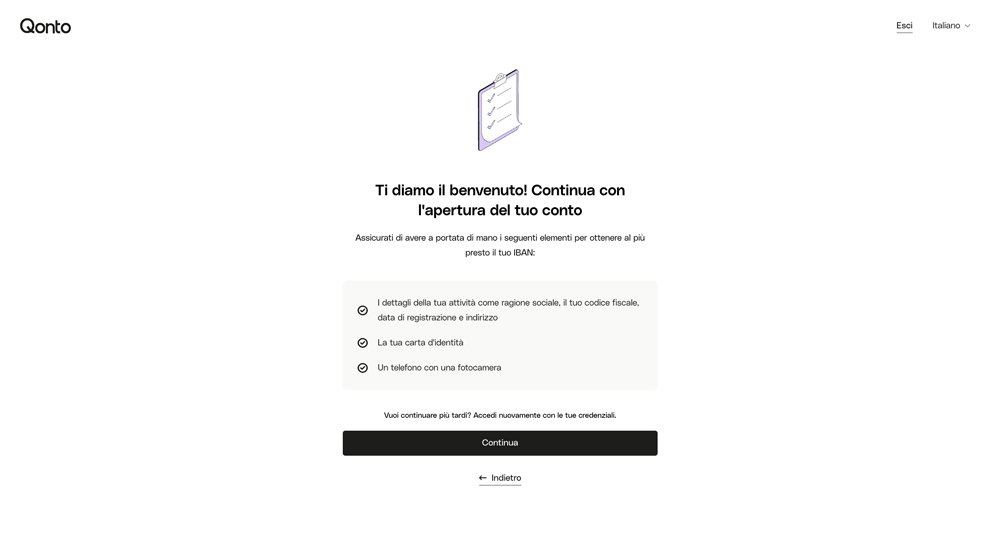
We’re almost there, now have the documents handy for opening; you will need them for this purpose:
- Copy of the chamber of commerce certificate: this is the deed of registration of your business. It should have been sent to you by your accountant at the time of opening. If you do not have it, you can either request it from your accountant, or directly from the Chamber of Commerce
- ID card: your personal identification document
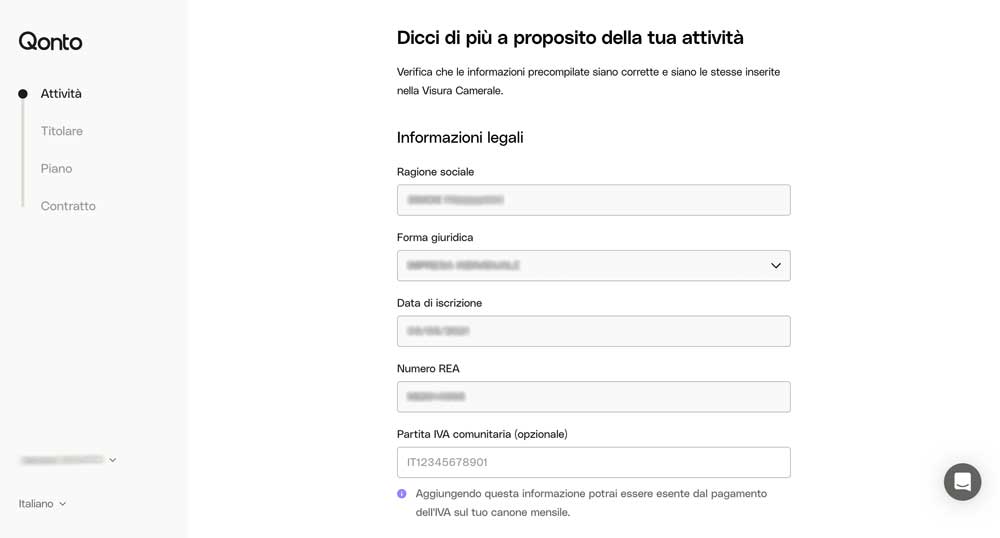
At this point Qonto provides a convenient feature to pre-fill the fields. By connecting directly to the Chamber of Commerce website, it has at its disposal the list of all regularly registered companies in Italy; in this way you will simply have to fill in the search field.
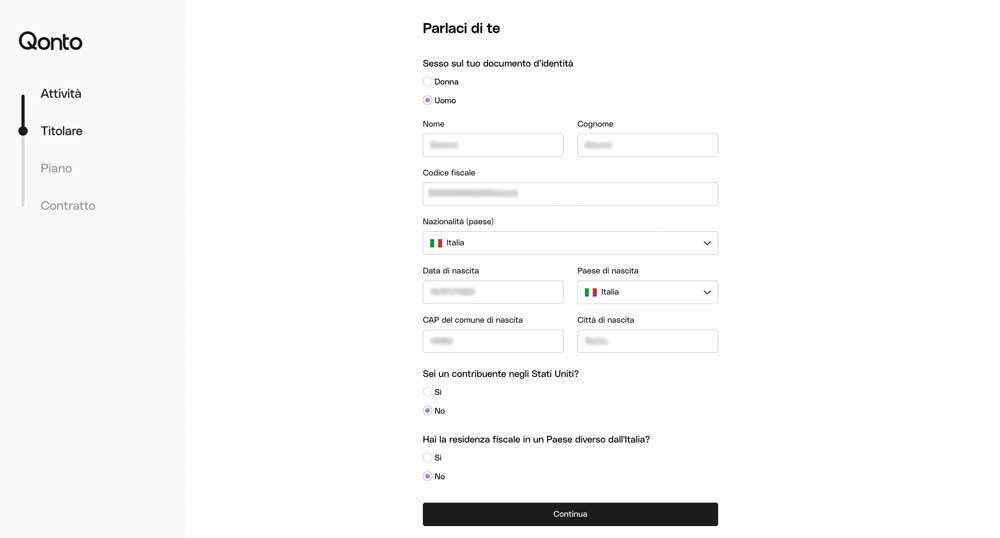
Now let’s move on with entering the owner’s information, in less than 2 minutes we should have completed this form as well.
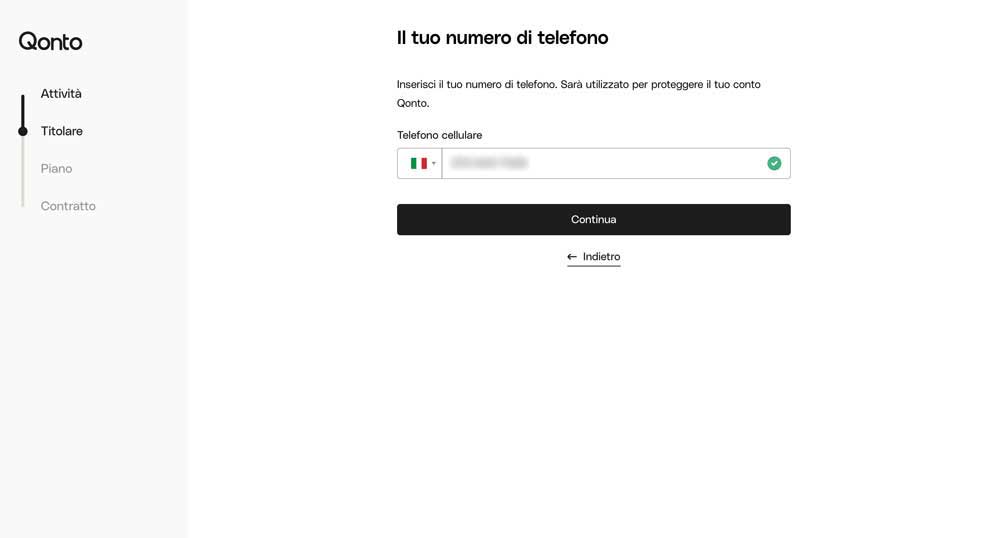
Next we will be asked to enter a phone number on which we will then receive text messages for dual authentication.
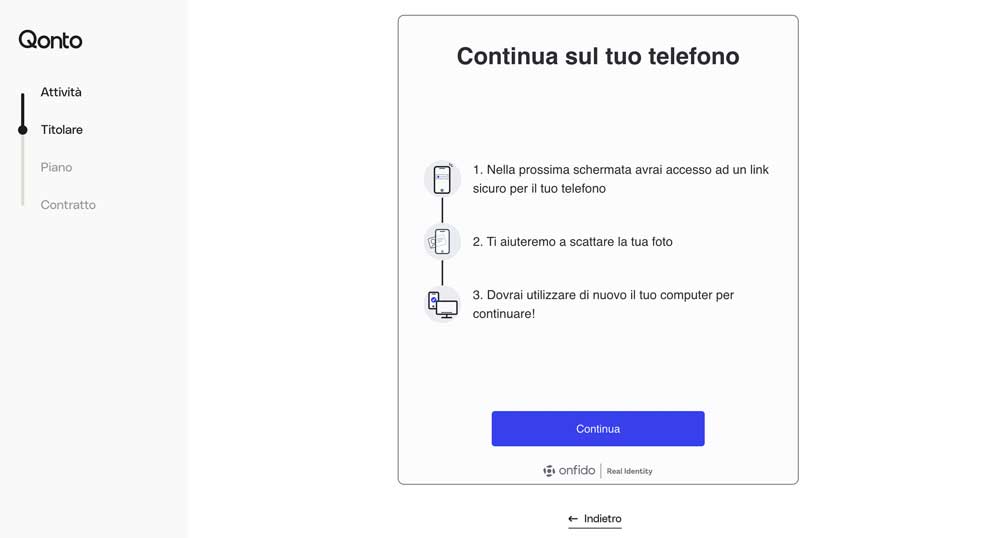
Now we finally get the personal document because we will need it to upload it. You will be shown the following page where you will be notified about the next steps to take.
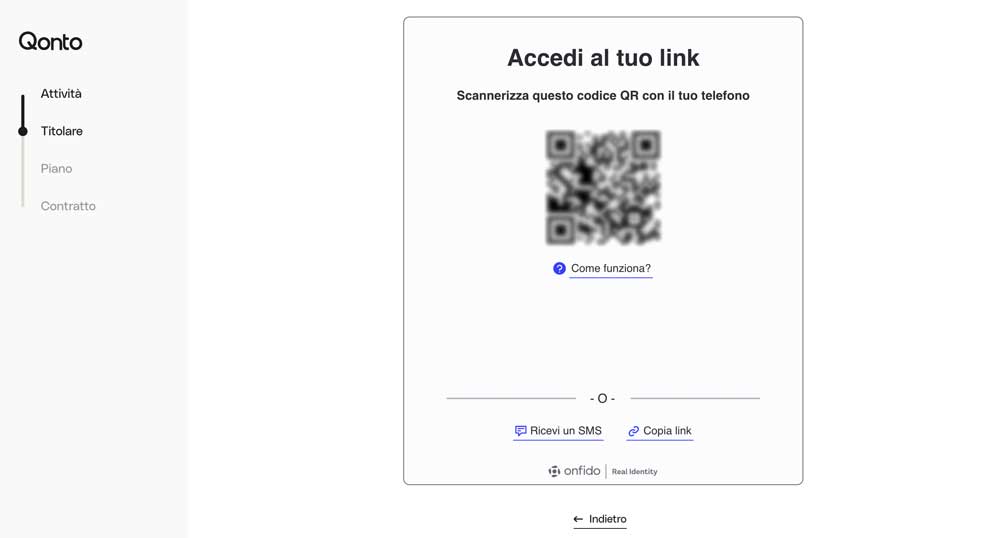
Next you will need to scan the QR Code that will be shown to you with your smartphone camera, to upload the front and back photo of your document.
Well, at this point you just need to upload the documents by taking a front and back photo, select a plan from those available, and digitally sign the contract. Now all that’s left to do is wait: the average timeframe for approval of****account opening is 18h (sometimes even less).
Open Qonto and receive a welcome bonus directly to your new checking account
Qonto rates
Qonto’s rates fall into two categories:
- For SMEs, startups and associations
- For professionals and freelancers
All plans can be tried for free for 30 days.
For professionals and freelancers
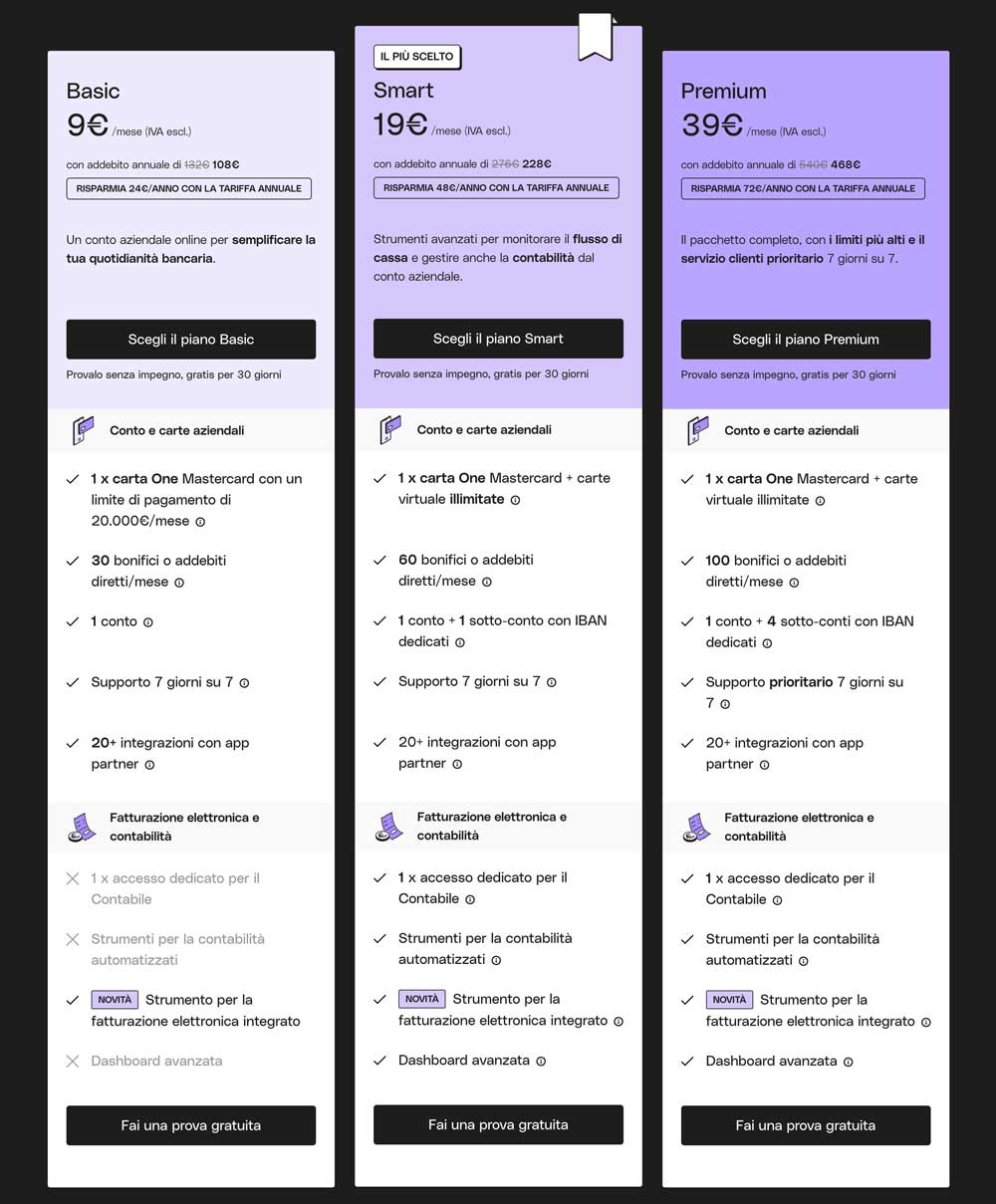
The basic plan called “Basic” is the entry-level option of the range, and the monthly fee is reduced by subscribing to an annual plan. For the fee in effect today, refer to the official rates you can consult from the links in this article. Among the services offered by this plan, which I consider to be noteworthy, are
- A dedicated IBAN;
- 1 physical Mastercard;
- Integrated tool for electronic invoices from customers and suppliers.
For SMEs, startups and associations
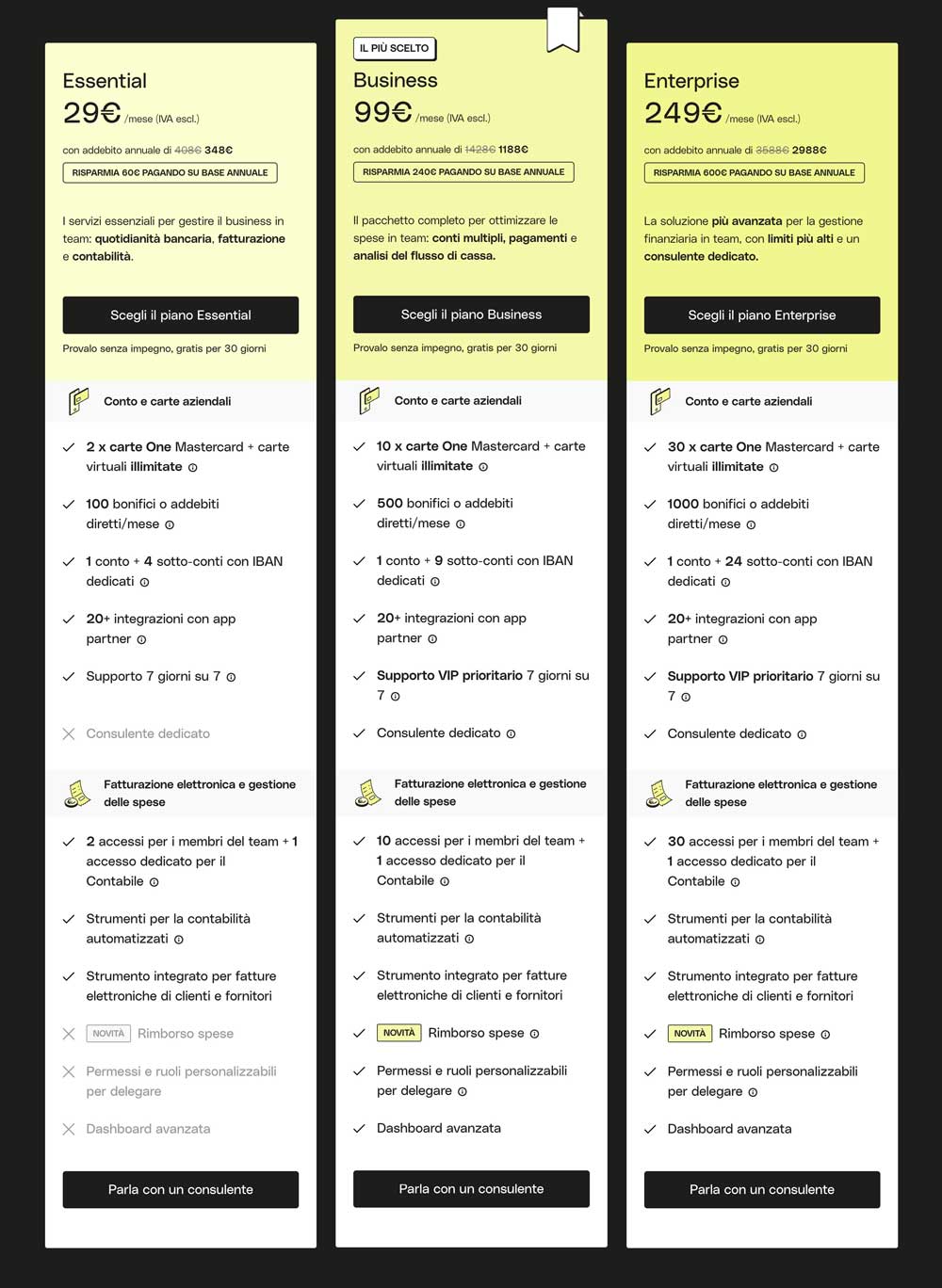
The basic plan called “Essential” is the entry-level option of this range, and the monthly fee is reduced by subscribing to an annual plan. Here too, for the fee in effect today, refer to the official rates. This plan already has many features and is definitely calibrated for those companies with low volumes. Among the services offered by this plan, which I consider to be noteworthy, we find:
- One main account with IBAN + 4 sub-accounts each with its own dedicated IBAN to differentiate expenses and cash flows in an orderly manner;
- 2 Mastercard physical cards + unlimited virtual cards;
- 2 accesses for team members + 1 dedicated access for the Accountant;
- Integrated tool for electronic invoices from customers and suppliers.
Open Qonto and receive a welcome bonus directly to your new checking account
Features
Below I tell you about some must-have features of Qonto.
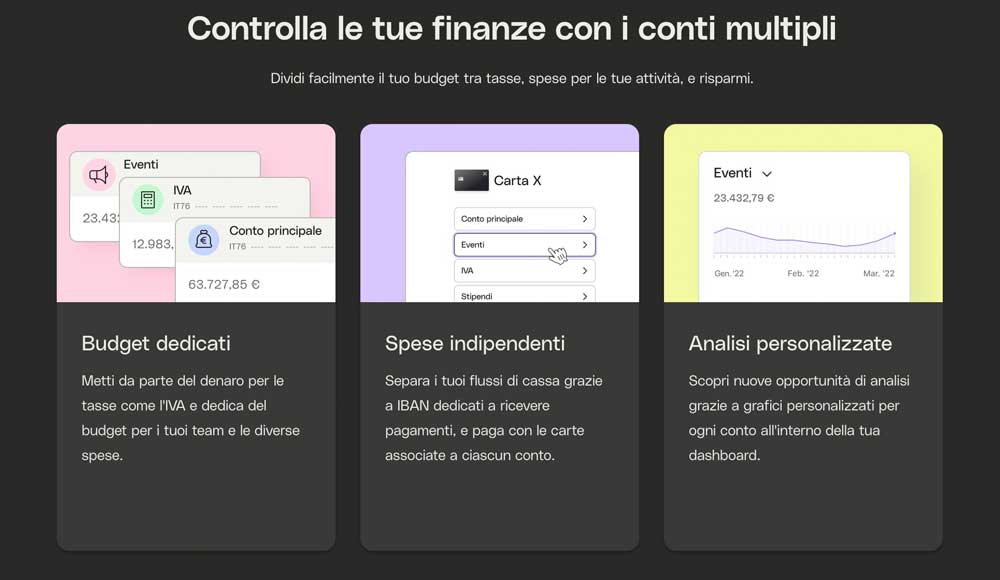
Multiple accounts
Multiple accounts allow you to have multiple IBANs at your disposal, so managing expenses will be even easier. For example, you can dedicate one account to set aside money for taxes, another to pay suppliers, and yet another to receive deposits from your clients.
F24 Payment
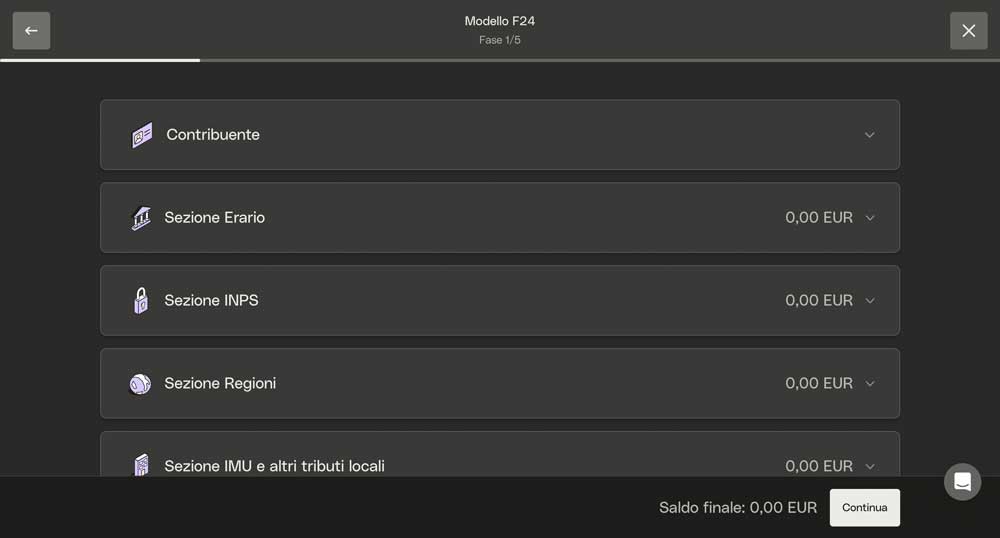
F24 payments through Qonto’s business checking account are quick and easy, and it was one of the features that made the difference in my choice.
Financing
Did you think that a digital bank did not have the ability to provide financing? Well, Qonto thanks to some strategic partners allows you to receive financing amounts for your project between €10,000 and €5,000,000.
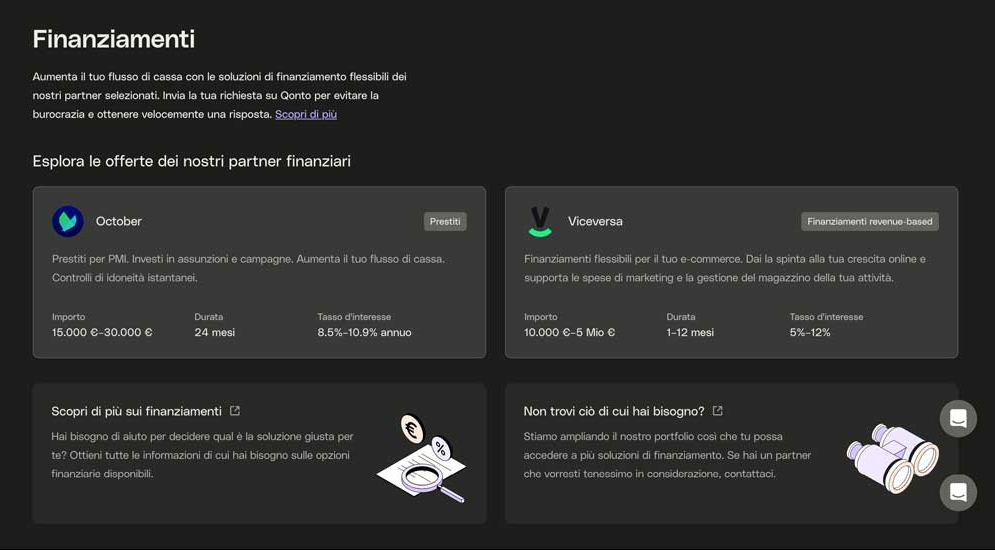
In addition, your turnover history on Qonto will be part of the eligibility criteria used for funding disbursement. The outcome of the funding application from the time of application takes about 3 days.
Management of collaborators
This feature allows the team to increase efficiency in managing daily expenses while maintaining control.
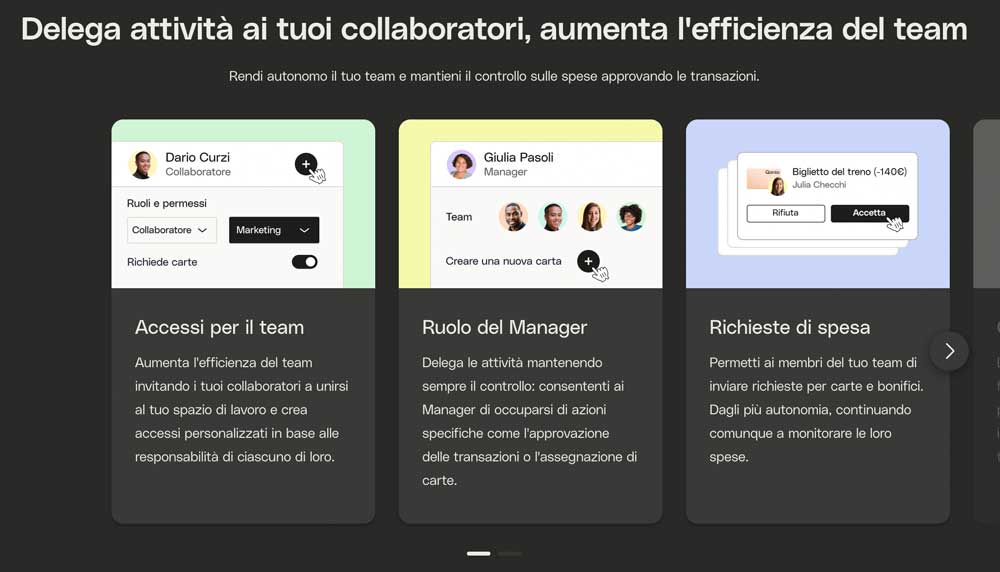
There is, for example, the ability to have the team send out spending requests for cards and transfers that can be approved, or the generation of Instant Cards with customized spending limits for each team member.
Conclusions
After years of looking for a Business and easy-to-activate checking account, Qonto has changed the way I manage my business finances. As you may have guessed from reading the other articles on my blog, I only review tools that I have tried firsthand and have been comfortable with, while also trying to provide constructive criticism if I find areas for improvement. Although I’ve gone out of my way to find critical issues and improvements, at the moment Qonto excels in all respects, so all you have to do is try it for free and let me know below in the comments what you think.
A bonus for you
Should you decide to use Qonto, click on this link, and you will receive a welcome bonus directly to your bank account. To get the bonus, you must open the new account through the invitation link. Should you open it directly from the Qonto site, without going through the invitation link, it will not be possible to credit you with the bonus.
Open Qonto and receive a welcome bonus directly to your new checking account